LyrAh turns your TV or monitor into a living lyrics stage for the music you play on Spotify. Words light up as they are sung, scattered like stars or set like a magazine page — in seventeen styles, with a rim of light around your screen that breathes with the song.
Free, with no LyrAh account. Windows 10 and 11, 64-bit.
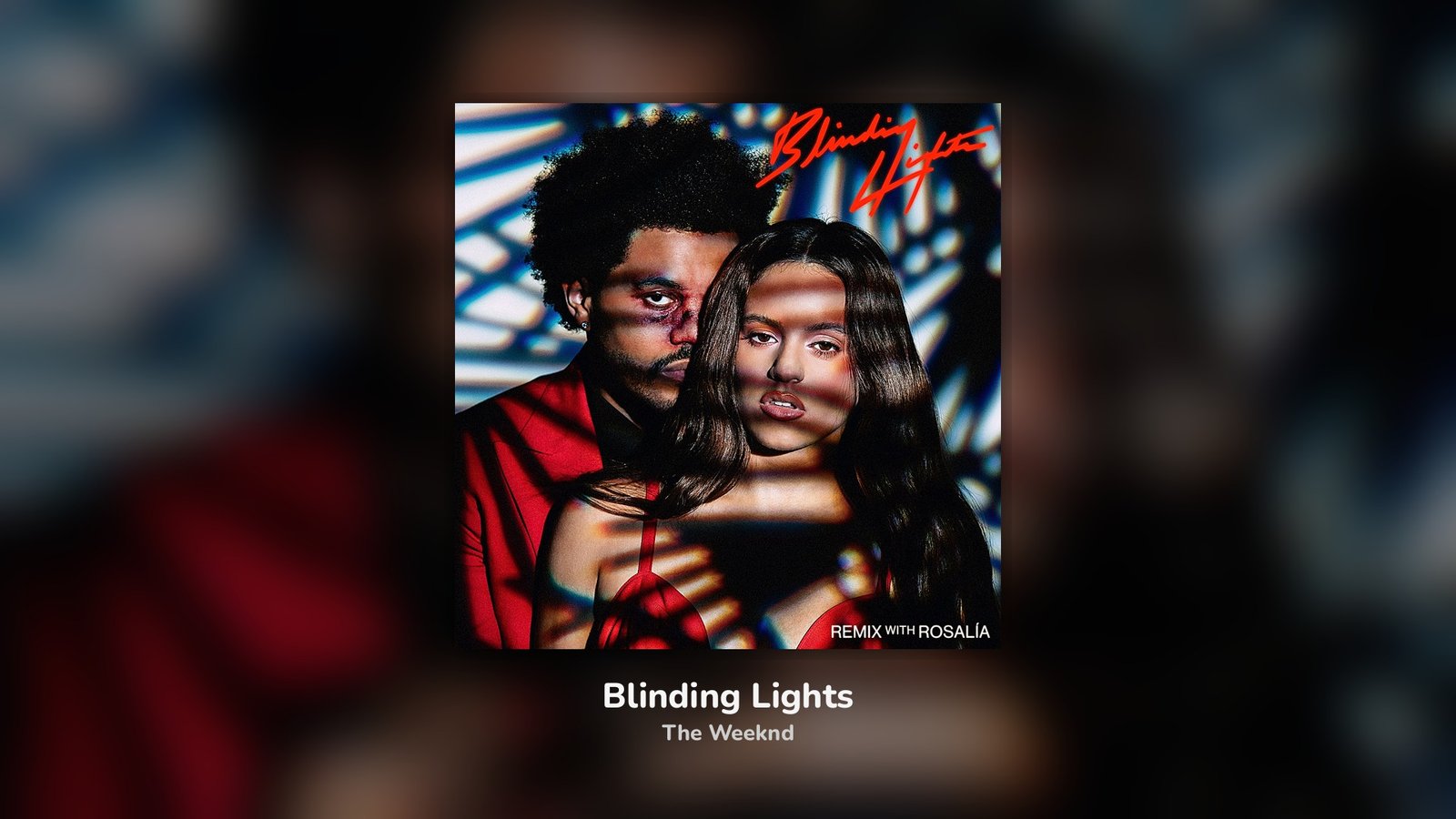
LyrAh full-screen: the words arrive exactly when they are sung.
Six things LyrAh does quietly, every song, without asking you for anything.
Not line by line — every word lights at the moment it is sung, so the screen sings along at the singer's pace.
A soft frame of light around the edge of your screen, coloured from the album cover, pulsing gently with the music.
Constellations, chat bubbles, cinema Urdu, code editor jokes — press one key and the whole stage changes character.
Colours are drawn from each song's artwork, so every track brings its own palette to the room.
Fill a TV for the party, or press F and keep LyrAh in a corner window you can drag, resize, and minimise like any app.
No dimming mid-chorus. While a song plays, LyrAh keeps your display on; when the music stops, it lets go.
Each word of the line takes its own place in the sky, joined to the next by a thread of light. The word being sung burns brightest, with a spark at its heart — the rest wait their turn in the dark.
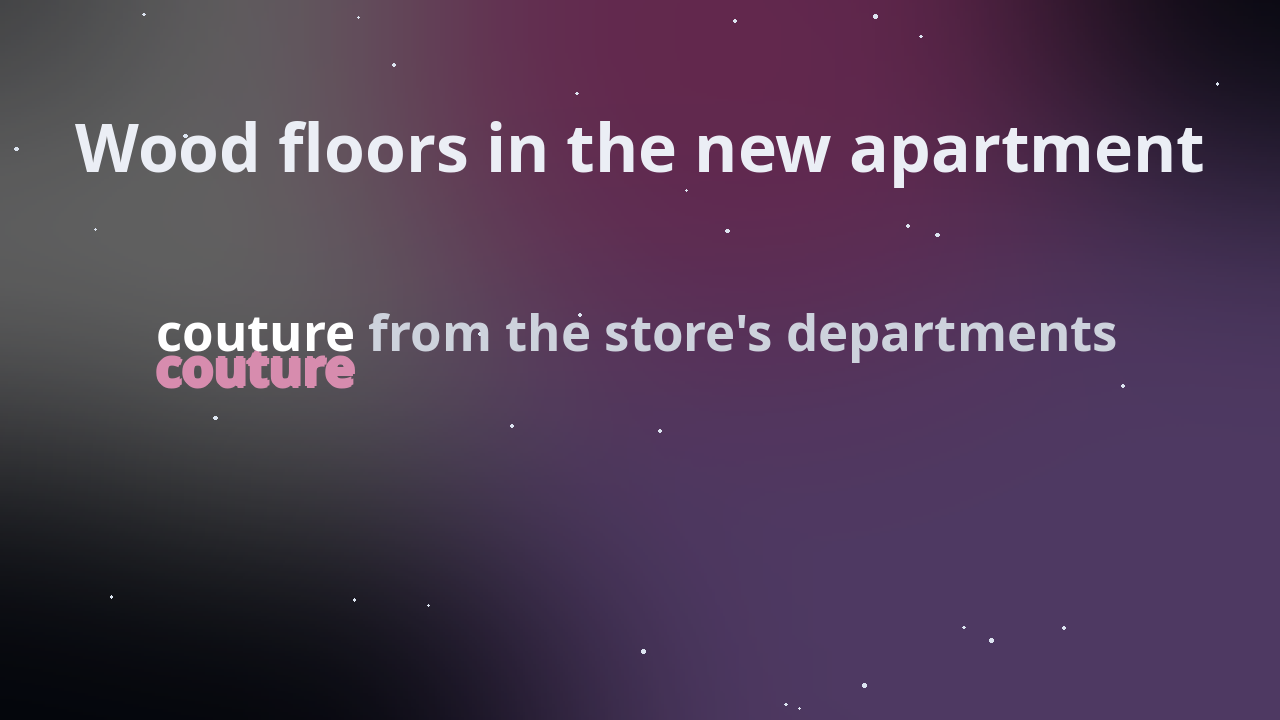
Some styles borrow looks you already know: the blue and grey of a chat thread, the green-on-black of a code editor, the calm columns of an editorial page. Same lyrics, completely different rooms.
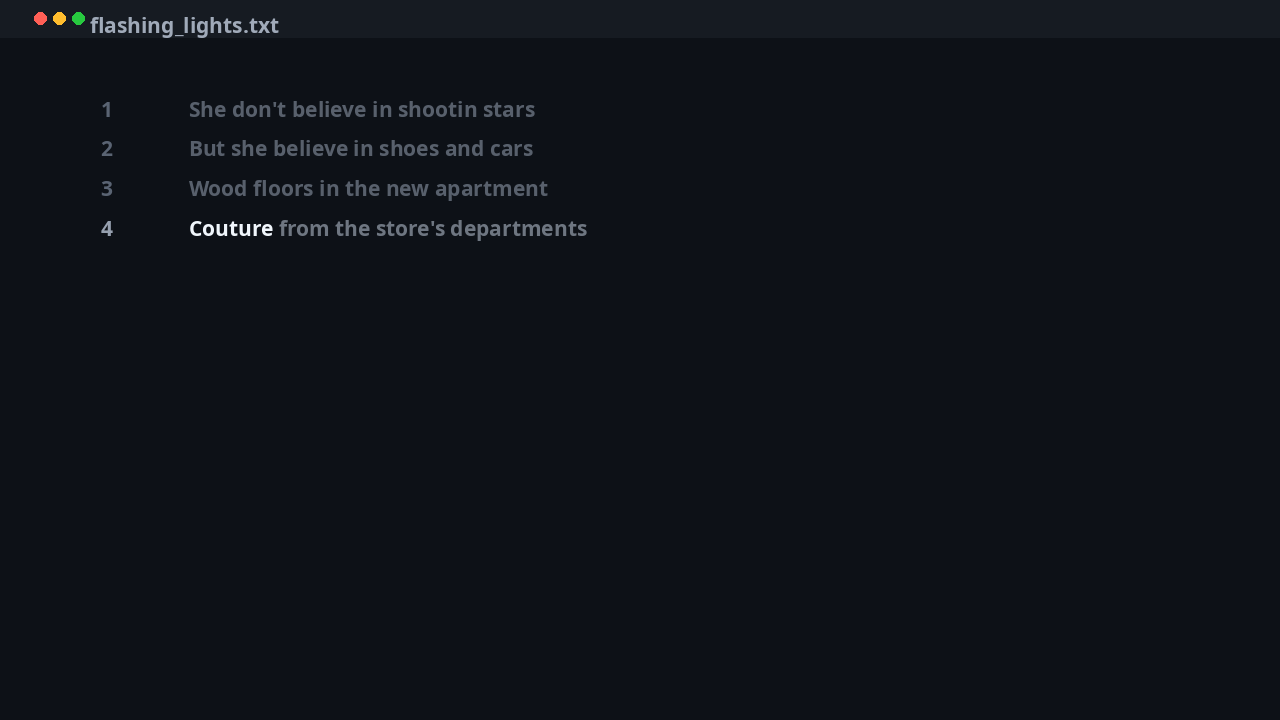
Every style is built in, and the in-app gallery shows each one live with your own music before you choose. Pin the ones you love.
.lrc file beside the app with a song's name, LyrAh uses yours first — handy for songs the online libraries get wrong.Open LyrAh and press the green Login with Spotify button. Your browser opens, you approve, and you come back to a connected stage. One click, once.
Windows shows this for new apps it does not know yet. Choose More info, then Run anyway. The SHA-256 checksum under the download lets you confirm your copy is exactly the one published here.
Yes — open the gallery with G, choose Displays, and pick the screen. Or press F for windowed mode and drag it there yourself.
S changes style, G opens the gallery, F toggles fullscreen, R toggles the rim, the arrow keys nudge lyric timing, and Esc closes. Right-click anywhere for the full menu.
Free, with no account. Play a song on Spotify, and LyrAh does the rest.
Version 1.0 · Windows 10 and 11, 64-bit · 44 MB
The installer adds LyrAh to your Start menu and puts a shortcut on your desktop, and needs no administrator rights. The portable file runs from any folder, with nothing installed.
SHA-256 (portable): 20adef0378a00036cf8edade8b64b4d29aba237a710132f1feb095af362dd9b2